I can still recall the first video I placed on YouTube. It was filmed on a phone held on its side and the audio sounded like it was recorded in a wind tunnel, but I was still very proud of it. Looking back now, I can’t help but think about how different everything is. The gadgets are getting smaller, software is getting cleverer, and the distance between “someone with an idea” and “someone with a finished video” grows shorter all the time.
There have been a ton of new tools, AI features and workflow ideas over the last year or so that I’ve been exploring. Some of it was a letdown. Some of it really changed the way I record and edit videos. Let’s go through what stands out.
The Gadgets that Truly Deserve a Place on My Desk
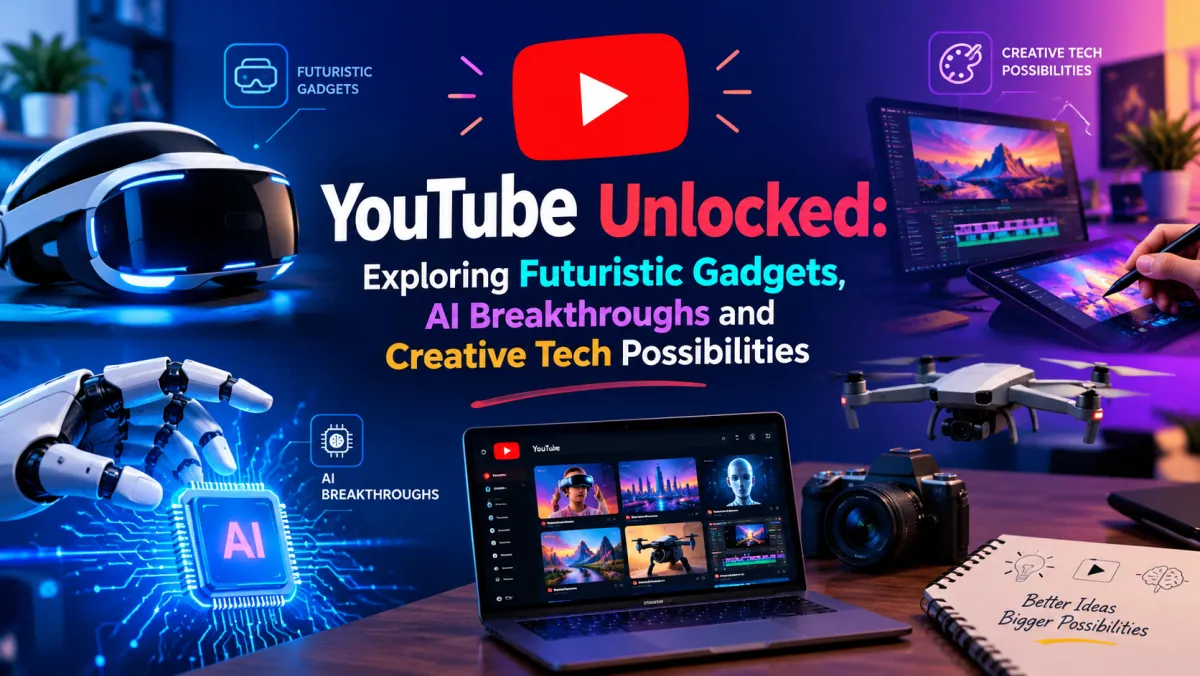
I’ll be honest: most “futuristic” gadgets go in a drawer after two weeks. The ones that remain solve a boring, everyday problem. Small wireless mics send a signal straight to the camera and capture clean sound without any cable. Pocket-sized gimbals make walk-and-talk shots look like you have a crew. Compact lights that run off a USB power bank mean no more hunting for an outlet.
Also worth mentioning are body-worn cameras and smart glasses. It was always a hassle to set up a rig and find the right perspective for a shot. Now it’s just a clip and a button. Not every shot comes out right, but sometimes the footage feels natural and spontaneous, which is exactly what people want to see, and it captures moments you would otherwise miss with your hands full.
My rule is simple. If a device saves me ten minutes per shoot, it stays. If it only looks cool in the box, it goes back.
AI Is Revolutionizing the Process of Creating Videos
The most dramatic change for me is not in hardware, but in AI. Auto-captioning is so accurate now that I’m fixing a few words rather than retyping everything. Background noise removal sometimes saves a clip I would have thrown out a couple of years ago. Tools can cut dead air, suggest chapter breaks and translate videos into other languages with a dubbed voice that keeps the same tone.
What about the generative side, AI that creates b-roll, renders a minute of footage from a script or sketches a basic storyboard? I don’t believe it’s a substitute for real-life video, but for abstract subjects, or for content that simply wouldn’t get made otherwise, it fills gaps that used to cost real money.
What I like best is that AI handles the tedious stuff and I only have to make the decisions. Which story to use, which joke to keep, when to stop talking: that still feels very human, and that’s what viewers relate to.
The Power of a Great YouTube Thumbnail
Here is one of my trial-and-error lessons. Many times I edited a video and then slapped a shoddy frame grab on as the cover. It tanked. The same video with a new thumbnail (a clearly visible face, three words of text and better color contrast) collected views within days.
A thumbnail appears about the size of a postage stamp, so keep it simple: one focal point, large text, and some shape or object that sparks curiosity. I usually try two or three versions with AI image tools, and being able to test variations quickly is a welcome benefit. Check it on your phone before you publish, since that’s where most people will see it. If after one second you can’t tell what your video is about, your thumbnail needs a tune-up.
Listening to Your Audience Through Comments
YouTube Comment Finder is a reliable tool for listening to your audience so you get a good sense of their likes and dislikes.
The comments contain the real feedback, but with thousands of comments on a video it’s hard to find the helpful parts. That’s where a YouTube comment finder comes in handy. It solves endless scrolling: searching for a keyword, a username or a phrase takes you straight to what you’re looking for. I use it to see which questions keep coming up, whether people are asking for a sequel, and to find a comment I saw once but couldn’t locate again.
It’s also useful for giveaways, because you can find entries quickly, and for moderation, since you can search for spammy phrases and remove them. I’ve gotten more video ideas by treating comments as research rather than noise. If you take the time to look, your audience is telling you what to make next.
Innovative Technology Opportunities Ahead
There are some things I’m excited about. Virtual and mixed reality headsets are making immersive video feel more real, and 360-degree footage is getting easier to shoot. Live streamers can change backgrounds, lighting or even art styles with real-time AI effects. Recommendations will likely keep getting sharper, helping niche channels find their audience.
I’m also looking forward to more all-in-one tools where editing, publishing and audience analysis live in one place.
Final Thoughts
YouTube isn’t just a video site. It’s a creative playground that keeps expanding. Whether you’re buying your first microphone or your tenth, testing a new AI editor, creating a YouTube thumbnail, or sifting through comments with a YouTube comment finder, the same advice holds true: try something, stay curious, and keep what works. The technology will keep evolving. What matters, having something to say, won’t.