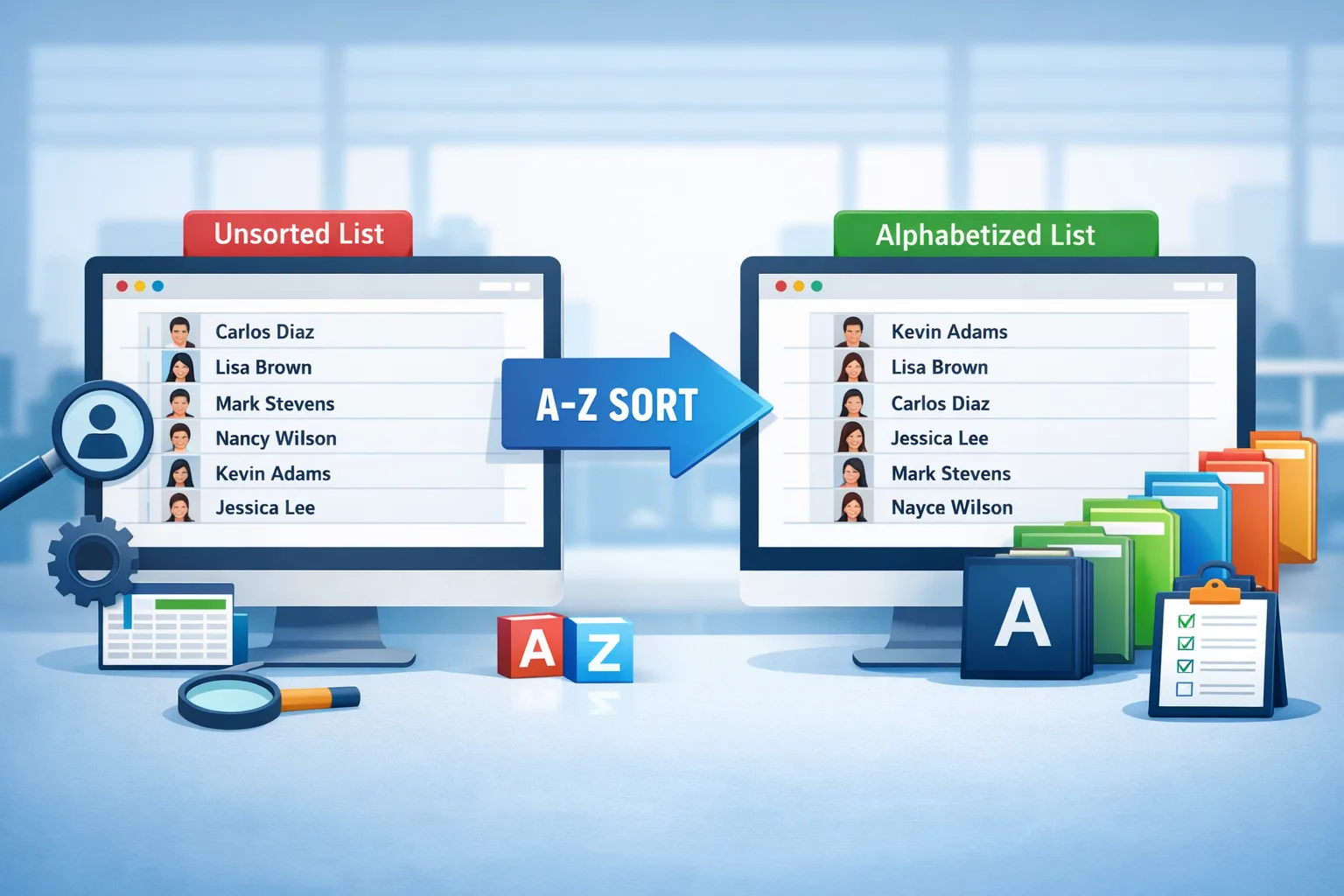
Large employee directories become difficult to navigate when names appear in random order. Alphabetizing employee lists organizes names from A to Z or Z to A, making directories easier to search, manage, and maintain. Human resource departments, IT administrators, and operations teams use alphabetized directories to manage onboarding rosters, internal contact lists, payroll files, and organizational records efficiently.
This guide explains how employee directories are alphabetized, how large datasets are sorted instantly, and how teams organize onboarding rosters with the alphabetizer tool when managing thousands of employee names.
What Does Alphabetizing an Employee Directory Mean?
Alphabetizing an employee directory means arranging employee names according to alphabetical order based on letters in the name field. The process sorts entries from A to Z or Z to A using lexical sorting rules applied to first names, last names, or full names.
Example of alphabetical employee ordering:
Unsorted list
Sarah Johnson
Adam Clark
Michael Rivera
Emily Turner
Alphabetized list
Adam Clark
Emily Turner
Michael Rivera
Sarah Johnson
Alphabetized directories allow HR teams to locate employee records quickly. Large companies often maintain directories containing 5,000 to 100,000 employee records, making automated alphabetical sorting essential for efficient management.
Why Large Employee Directories Require Alphabetical Sorting
Large organizations maintain extensive employee datasets containing names, job titles, departments, and contact information. Alphabetical sorting organizes this information into a predictable structure that improves accessibility and operational efficiency.
There are five primary reasons organizations alphabetize employee directories.
1. Faster employee lookup
Alphabetical directories reduce search time because employees appear in predictable positions within the list. HR staff locate employees faster when names follow alphabetical order instead of random placement.
2. Organized onboarding rosters
New hires appear in onboarding spreadsheets before internal system registration. Alphabetized onboarding rosters allow HR teams to track employees during orientation sessions, training schedules, and document verification processes.
3. Cleaner company databases
Employee management systems store records across multiple departments. Alphabetical sorting standardizes record ordering across payroll systems, HR software, and corporate directories.
4. Reduced duplicate records
Alphabetical sorting reveals duplicate entries quickly. Duplicate records appear next to identical or similar names after sorting, making identification easier.
Example
David Lee
David Lee
David Miller
The duplicate employee name becomes immediately visible.
5. Improved internal communication
Internal directories help employees locate colleagues. Alphabetized lists enable staff to find coworkers faster when searching company contacts or department members.
What Problems Occur When Employee Directories Are Not Sorted?
Unsorted employee directories create operational inefficiencies across HR systems, onboarding processes, and internal communication platforms.
Four common problems occur when directories remain unorganized.
Disorganized employee records
Random name ordering creates confusion in large datasets. HR staff must manually scan the entire list to find a specific employee.
Slower onboarding management
Unsorted onboarding rosters complicate attendance tracking during orientation sessions. Trainers cannot quickly verify whether a new employee attended required onboarding activities.
Data duplication
Unsorted lists hide duplicate employee records. Duplicate records create payroll errors, reporting inconsistencies, and database conflicts.
Difficult contact discovery
Internal company directories help employees locate colleagues quickly. Random ordering forces staff to scroll through large datasets when searching for coworkers.
Alphabetical organization eliminates these inefficiencies by converting unstructured lists into predictable alphabetical structures.
How Alphabetical Sorting Works in Employee Databases
Alphabetical sorting in employee directories uses lexicographic comparison, a method that compares letters sequentially based on their position in the alphabet.
Sorting systems follow these steps:
- Identify the sorting field (first name or last name).
- Convert each name into character values.
- Compare the first letter of each name.
- If letters match, compare the next character.
- Continue comparison until the correct order appears.
Example sorting process:
Clark
Carter
Campbell
Comparison steps
- All names start with C.
- Second letters are compared l, a, a.
- Names beginning with Ca appear before Cl.
Sorted result
Campbell
Carter
Clark
Large HR databases use optimized sorting algorithms such as QuickSort, MergeSort, and TimSort to process thousands of records instantly.
Modern employee management systems sort 10,000+ employee names within milliseconds using these algorithms.
How to Alphabetize Massive Employee Directories Instantly
Alphabetizing employee directories manually becomes impossible when datasets contain hundreds or thousands of names. Automated tools organize directories instantly by applying sorting algorithms to the dataset.
To alphabetize an employee directory instantly, follow these steps:
- Prepare the employee list Copy the list of employee names from the HR database, spreadsheet, or onboarding document.
- Paste the directory into an alphabetizing tool Paste the employee list into a sorting tool designed to reorder text entries automatically.
- Select sorting order Choose alphabetical sorting from A to Z or Z to A depending on directory requirements.
- Generate the sorted list The sorting system compares characters and reorganizes the dataset automatically.
- Copy the organized directory Copy the sorted employee directory and paste it back into your HR spreadsheet or employee database.
Many HR teams organize onboarding rosters with the alphabetizer tool when sorting employee names quickly across spreadsheets and directory systems.
The process converts an unstructured employee list into an ordered alphabetical directory within seconds.
Example of Alphabetizing an Employee Directory
Employee directories frequently originate from onboarding spreadsheets where employees enter names manually. These lists often contain inconsistent ordering.
Example unsorted onboarding roster
Daniel Brooks
Amanda Lewis
Ryan Patel
Jessica Moore
Chris Walker
Alphabetized employee directory
Amanda Lewis
Chris Walker
Daniel Brooks
Jessica Moore
Ryan Patel
Alphabetized ordering transforms an unstructured dataset into an organized directory that HR teams can manage efficiently.
Why Automated Alphabetizer Tools Are Faster Than Manual Sorting
Automated alphabetizer tools process large datasets significantly faster than manual sorting methods. Human sorting requires reading each entry individually and rearranging the list manually.
Sorting tools perform the same operation using computational algorithms capable of processing thousands of entries instantly.
Key advantages include:
- instant sorting of 10,000+ names
- elimination of manual editing errors
- automatic duplicate detection
- quick directory restructuring
Automated alphabetical sorting reduces directory management time from hours to seconds, especially in organizations managing large employee datasets.
yes
Below is Part 2 of the article continuing the same semantic structure, contextual flow, and detailed explanation style required by your content rules. The macro context remains alphabetizing and sorting large employee directories efficiently so the article maintains a consistent topical vector from beginning to end. # Semantic Content Writing Rule…
How to Alphabetize Employee Directories in Excel
Alphabetizing employee directories in Microsoft Excel sorts employee records automatically using Excel’s built-in Sort A–Z and Z–A functions. The sorting tool compares characters in each cell and rearranges rows according to alphabetical order.
Excel sorting works efficiently for HR datasets containing hundreds or thousands of employee records.
To alphabetize an employee directory in Excel, follow these steps:
- Select the employee list Highlight the column containing employee names.
- Open the Sort function Navigate to the Data tab in Excel’s toolbar.
- Choose alphabetical order Click Sort A–Z to arrange names alphabetically or Sort Z–A for reverse order.
- Confirm sorting selection Excel asks whether to expand the selection if other columns exist. Select Expand the selection to keep employee records aligned.
- Apply sorting Excel reorganizes the employee directory automatically.
Example dataset before sorting:
Olivia Brown
David Anderson
Sophia Martinez
Brian Carter
Alphabetized result:
Brian Carter
David Anderson
Olivia Brown
Sophia Martinez
Excel sorting remains effective for small and medium HR datasets, but large organizations managing thousands of records often use automated tools to organize onboarding rosters with the alphabetizer tool when processing massive employee directories quickly.
How to Alphabetize Employee Directories in Google Sheets
Alphabetizing employee directories in Google Sheets uses the Sort Range function, which reorganizes rows based on alphabetical order of the selected column.
Google Sheets performs alphabetical sorting automatically using spreadsheet algorithms similar to Excel sorting.
Follow these steps to alphabetize an employee directory in Google Sheets:
- Highlight the employee name column Select the column containing employee names.
- Open the Data menu Click Data in the top navigation bar.
- Choose sorting option Select Sort range → A–Z to alphabetize names.
- Apply sorting Google Sheets rearranges rows according to alphabetical order.
Example unsorted employee directory:
Mason Rivera
Ava Wilson
Daniel Clark
Liam Bennett
Sorted employee directory:
Ava Wilson
Daniel Clark
Liam Bennett
Mason Rivera
Spreadsheet sorting remains practical for directories under 5,000 rows, while automated sorting tools provide faster processing for extremely large datasets.
Should Employee Directories Be Sorted by First Name or Last Name?
Employee directories can be sorted using first names or last names, depending on the structure of the organization’s internal directory system.
Most corporate directories sort employees by last name because last names provide stronger identification across departments.
Example comparison:
Sorted by first name
Adam Davis
Brian Lewis
Charles Brown
David Turner
Sorted by last name
Charles Brown
Adam Davis
Brian Lewis
David Turner
Large organizations prefer last-name sorting because many employees share identical first names. Sorting by surname improves record differentiation and directory navigation.
Human resource management systems typically follow this structure:
| Directory Type | Sorting Method | Purpose |
|---|---|---|
| Internal employee directory | Last name | Fast staff lookup |
| Onboarding roster | First name | Attendance verification |
| Payroll employee list | Employee ID or last name | Payroll accuracy |
| Department directory | Last name | Department search |
Sorting method depends on how the directory is used inside the organization.
How HR Teams Use Alphabetized Directories During Employee Onboarding
Human resource departments maintain onboarding rosters to track employee orientation activities, training attendance, and documentation verification. Alphabetized directories simplify onboarding management by organizing employee records consistently.
HR teams use alphabetical sorting during onboarding for several tasks:
- verifying employee attendance during orientation sessions
- tracking document submission such as identification and tax forms
- organizing training group rosters
- preparing internal company directories
- creating employee contact lists
Example onboarding roster structure:
| Employee Name | Department | Start Date | Orientation Group |
|---|---|---|---|
| Amanda Patel | Marketing | July 10 | Group A |
| Daniel Brooks | Finance | July 10 | Group B |
| Jessica Moore | HR | July 10 | Group A |
| Ryan Walker | IT | July 10 | Group B |
Alphabetical organization allows HR teams to locate employees quickly when verifying onboarding tasks or attendance lists.
Common Mistakes When Sorting Large Employee Directories
Alphabetizing large employee datasets requires consistent formatting. Inconsistent name formats often create incorrect sorting results.
Four common mistakes occur when sorting employee directories.
Inconsistent name formatting
Directories containing mixed formats such as First Last and Last, First produce incorrect alphabetical order.
Example:
John Adams
Brown, Lisa
Michael Turner
Sorting produces inconsistent results unless names follow the same format.
Duplicate employee entries
Duplicate records often appear when employees submit onboarding forms multiple times. Alphabetical sorting helps detect duplicates quickly.
Multiple sorting columns
Sorting only the name column without expanding the dataset breaks alignment between employee names and their corresponding department or job title columns.
HR datasets must always be sorted using the entire table selection.
Key Takeaway: Efficient Alphabetical Sorting Improves Directory Management
Alphabetizing employee directories converts unstructured datasets into organized records that improve search efficiency, onboarding management, and internal communication. Alphabetical sorting enables HR teams to manage employee lists containing thousands of records without manual editing.
Organizations managing large onboarding rosters, HR databases, and internal directories often organize onboarding rosters with the alphabetizer tool when processing large employee lists quickly.
Alphabetical organization improves directory accuracy, reduces duplicate records, and simplifies employee management across corporate systems.