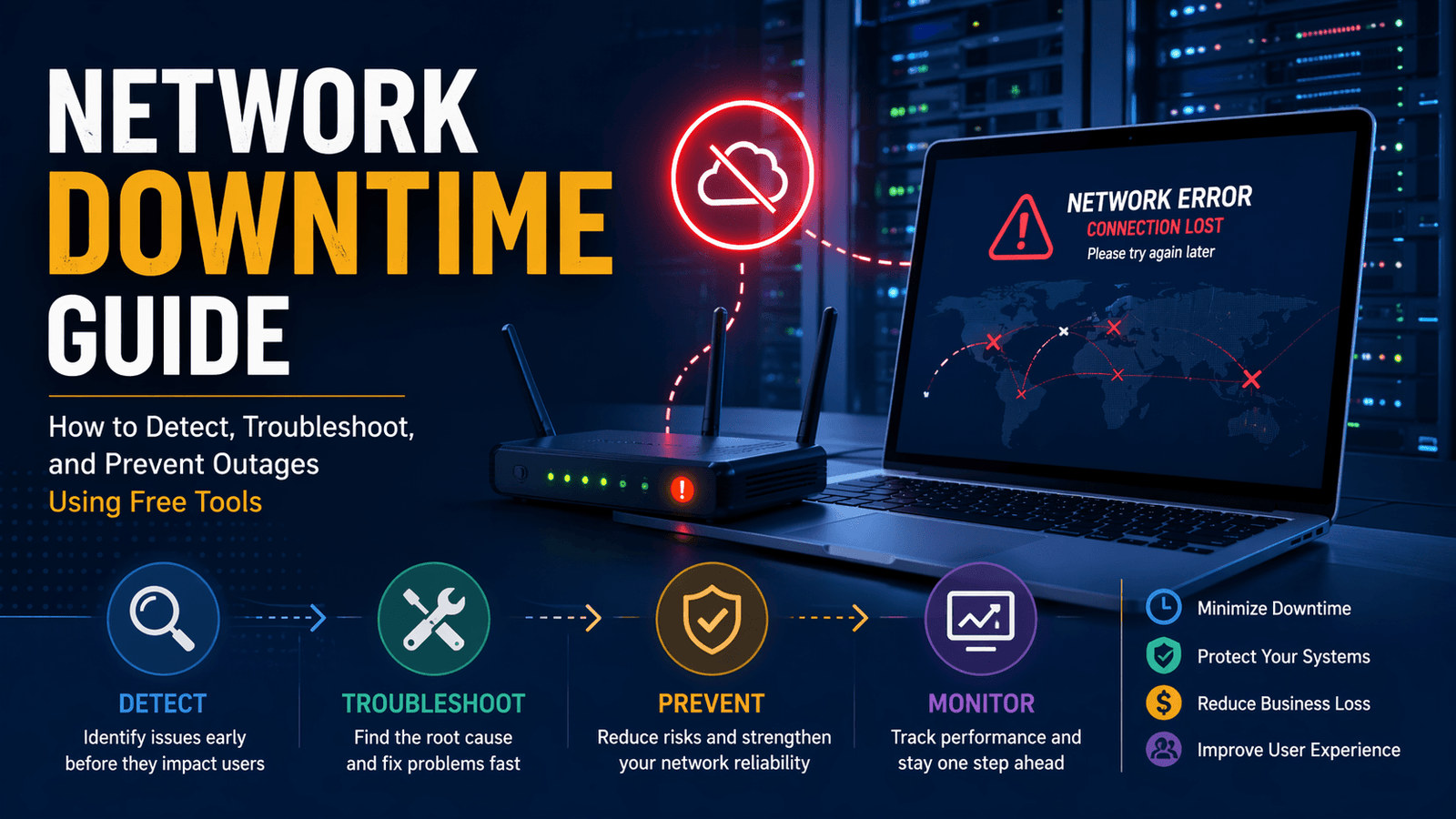
Network downtime is the period when a network service becomes unavailable, unreachable, or unusable for intended users. This can affect websites, internal business systems, cloud applications, Wi-Fi networks, payment systems, VoIP phones, APIs, and remote access tools. Downtime may be total, where nothing works, or partial, where systems remain online but perform poorly due to latency, packet loss, DNS issues, or service failures.
For businesses, downtime creates operational delays, lost revenue, support pressure, and customer frustration. For IT teams, the priority is to detect issues quickly, identify the real cause, restore service safely, and reduce the chance of repeat incidents. This guide explains how network downtime happens, how to detect it early, and how to troubleshoot outages using a structured process and free tools.
What Is Network Downtime?
Network downtime refers to any period when users cannot reliably access network-dependent resources. It includes more than complete outages. Slow applications, unstable VPN sessions, failed logins, broken DNS resolution, and intermittent connectivity can all be forms of downtime because users cannot complete normal tasks.
A network depends on multiple layers working together. If any one layer fails, users may experience disruption.
| Network Layer | Example Failure | Typical Result |
|---|---|---|
| Internet Provider | ISP outage | No external connectivity |
| Router / Firewall | Rule misconfiguration | Blocked traffic |
| DNS | Incorrect records | Domain not resolving |
| Server | Service crash | Application unavailable |
| Wi-Fi | Interference or weak signal | Disconnects or slowness |
| Application | Software error | Features fail or freeze |
The fastest recoveries usually happen when teams identify the failing layer early instead of treating every outage as the same problem.
Why Network Downtime Matters
Network downtime matters because modern operations depend on connected systems. When the network fails, many business functions fail with it.
Even short outages can interrupt sales, internal communication, file access, remote work, and customer support. Repeated downtime also reduces confidence in the reliability of the business.
Common Impacts of Downtime
- Lost online orders or leads
- Delayed employee work
- Failed customer transactions
- Missed support requests
- Interrupted meetings and calls
- SLA breaches for service providers
- Increased emergency workload for IT teams
- Reputation damage after repeated incidents
The cost of downtime varies by business type. For an internal office, the biggest cost may be lost productivity. For an eCommerce store, every minute of unavailability can directly affect revenue.
Common Causes of Network Downtime
Most outages are caused by a limited set of recurring issues: hardware failure, configuration mistakes, provider problems, software faults, capacity limits, and security events.
1. Hardware Failure
Routers, switches, access points, cables, and power supplies can fail over time. Overheating, aging components, and damaged cabling are common physical causes.
2. Configuration Errors
Many outages begin after changes to firewall rules, VLAN settings, IP addressing, DNS records, SSL certificates, or routing tables. Small mistakes can create large disruptions.
3. ISP or Upstream Provider Problems
Your internal network may be healthy while the internet provider has a regional outage, routing issue, or upstream congestion problem.
4. Software or Firmware Issues
Updates can introduce bugs, compatibility problems, memory leaks, or service crashes. This is common when patches are deployed without testing.
5. Resource Exhaustion
Bandwidth, CPU, RAM, storage, or connection limits may be reached during traffic spikes or heavy workloads.
6. Security Incidents
Distributed denial-of-service (DDoS) attacks, ransomware, credential abuse, or unauthorized changes can affect availability.
7. Human Error
Accidental cable removal, incorrect commands, deleted records, or rushed changes remain one of the most common contributors to downtime.
How to Detect Network Downtime Early
The best way to reduce downtime impact is to detect problems before they become widespread. Early detection depends on monitoring, user reports, and quick validation checks.
Many organizations first learn about outages when users complain. A stronger approach combines automated checks with real-time operational awareness.
Common Early Warning Signs
- Website pages stop loading
- Slow response times
- Repeated login failures
- High ping latency
- Packet loss
- DNS lookup failures
- CPU or memory spikes
- Sudden increase in error logs
- Multiple users reporting the same issue
Basic Detection Workflow
- Confirm whether one user or many users are affected
- Test internet access from multiple locations
- Check DNS resolution
- Verify server or application health
- Review recent changes or deployments
- Inspect logs for repeating errors
Free Tools That Help During Detection
| Free Tool | Practical Use During Incidents |
|---|---|
| Ping / Traceroute | Test connectivity and routing path |
| Browser DevTools | Inspect failed requests and timing |
| Text Diff Checker | Compare known-good vs current config |
| Remove Duplicates | Clean repeated log entries |
| URL Extractor | Pull failing URLs from logs |
| Word Counter | Estimate log size quickly |
Free utilities do not replace enterprise monitoring platforms, but they are useful for fast manual diagnostics.
How to Troubleshoot Network Downtime Step by Step
The most effective troubleshooting process is structured, evidence-based, and focused on isolating the fault domain. Random changes during an outage often make incidents worse.
Step 1: Define the Scope
Start by identifying what is affected.
Ask:
- One user or all users?
- One site or all sites?
- Internal systems only or internet too?
- Wired only, Wi-Fi only, or both?
- One application or multiple services?
Scope narrows the search area immediately.
Step 2: Check the Simplest Causes First
Before deep analysis, confirm basics:
- Power status
- Physical links and cables
- Wi-Fi association
- Internet connection status
- Expired certificates
- Service process running
- Available disk space
Simple checks often solve incidents faster than complex theory.
Step 3: Review Recent Changes
Many outages start soon after a change.
Check for:
- New firewall rules
- DNS edits
- Software deployments
- Firmware upgrades
- Network migrations
- Credential rotations
If symptoms started immediately after a change, rollback may be the safest first action.
Step 4: Compare Configurations
Configuration drift is common. Compare the current version with the last known working version.
Look for:
- Wrong IP ranges
- Missing routes
- Disabled interfaces
- Extra deny rules
- Changed hostnames
- Incorrect ports
A text comparison tool helps reveal small but important differences.
Step 5: Review Logs and Errors
Logs often point directly to the problem. Search for repeated patterns such as:
- timeout
- refused connection
- authentication failed
- DNS error
- certificate expired
- disk full
Clean noisy logs first so important messages are easier to spot.
Step 6: Restore Service Safely
Choose the lowest-risk fix first:
- Restart a failed service
- Revert a recent change
- Re-enable a known-good rule
- Fail over to backup connectivity
- Free exhausted resources
Record what changed and when it was changed.
Why Documentation Matters During Downtime
Every outage should produce useful operational knowledge. Good documentation helps teams solve future incidents faster and avoid repeating the same mistakes.
Record these details after each incident:
- Start and end time
- Affected systems
- User impact
- Root cause
- Actions taken
- Final resolution
- Preventive follow-up tasks
Well-maintained incident notes gradually reduce mean time to resolution and improve operational resilience.
How to Prevent Network Downtime
Preventing network downtime means reducing single points of failure, detecting issues before users notice them, controlling change risk, and maintaining systems consistently. No network can guarantee zero outages, but disciplined operations can significantly reduce both outage frequency and recovery time.
Prevention is usually more cost-effective than emergency response. A one-hour review of backups, monitoring, and documentation often saves many hours of incident work later.
Core Prevention Practices
- Monitor critical systems continuously
- Keep firmware and software updated
- Document network topology and dependencies
- Use backups and redundancy where possible
- Review capacity before peak demand
- Control changes with testing and rollback plans
- Secure devices and accounts
- Train staff on incident response procedures
Strong prevention programs combine technical controls with repeatable operational habits.
Build a Simple Monitoring System
Monitoring helps detect abnormal behavior before it becomes a full outage. Even basic checks can provide early warning.
You do not need an expensive enterprise platform to start. Small teams can begin with free or built-in tools, then expand later if needed.
What to Monitor First
| Component | What to Watch | Why It Matters |
|---|---|---|
| Internet Connection | Availability, latency, packet loss | Detect ISP issues quickly |
| Router / Firewall | CPU, memory, interface errors | Identify overload or faults |
| Servers | CPU, RAM, disk, uptime | Prevent crashes and slowdowns |
| DNS | Query success, response time | Catch resolution failures |
| Website / App | HTTP status, load time | Protect user experience |
| Wi-Fi | Signal quality, client load | Reduce disconnects |
Practical Alert Examples
- Packet loss above normal baseline
- Disk space below safe threshold
- CPU pinned at high usage for sustained periods
- Website returning 5xx errors
- SSL certificate nearing expiry
- Multiple failed login attempts
Alerts should be meaningful. Too many false alarms cause teams to ignore real warnings.
Use Change Management to Avoid Self-Inflicted Outages
Many outages happen immediately after planned changes. A router update, firewall rule edit, DNS change, or software deployment can unintentionally disrupt production systems.
Change management means introducing modifications in a controlled way.
Simple Change Control Checklist
- Define what is changing
- Identify affected systems
- Test in a non-production environment if possible
- Schedule during low-risk hours
- Create a rollback plan
- Notify stakeholders if impact is possible
- Validate after the change
- Document results
Even informal teams benefit from following this process consistently.
Free Tools That Help with Changes
- Text Diff Checker – compare old and new configs
- Find and Replace Text – bulk edit repeated values safely
- Remove Duplicates – clean repeated entries in lists
- Word Counter – review large configuration notes or change logs
Reduce Single Points of Failure
A single point of failure is any component that can stop service if it fails. Common examples include one internet link, one DNS provider, one switch, one server, or one admin account.
Removing every single point of failure may not be realistic for smaller organizations, but reducing the most critical ones creates major resilience gains.
Examples of Redundancy
| Risk | Better Design |
|---|---|
| One ISP connection | Secondary backup internet link |
| One DNS provider | Secondary DNS service |
| One server | Failover or load-balanced pair |
| One switch | Redundant switching path |
| One power source | UPS and backup power |
| One admin credential | Role-based admin access |
Start with systems whose failure would create the highest business impact.
Improve Security to Protect Availability
Security incidents often become downtime incidents. Malware, ransomware, brute-force attacks, misused credentials, and DDoS traffic can all affect uptime.
Availability is one pillar of cybersecurity, so network reliability and security should be managed together.
Essential Security Practices
- Use strong unique passwords
- Enable multi-factor authentication
- Patch exposed systems promptly
- Restrict admin access
- Back up critical systems regularly
- Review logs for suspicious activity
- Disable unused services and ports
- Segment sensitive systems where practical
Security does not eliminate all outages, but it reduces preventable disruption caused by malicious activity.
Key Downtime Metrics to Track
Tracking metrics helps measure improvement over time. Without metrics, teams often rely on memory instead of evidence.
Important Reliability Metrics
Uptime Percentage
The percentage of time a service is available during a period.
Mean Time to Detect (MTTD)
Average time between issue start and detection.
Mean Time to Repair (MTTR)
Average time required to restore service.
Incident Frequency
How often outages occur.
Repeat Incident Rate
How often the same root cause returns.
User Impact Duration
How long users were affected, which may differ from total technical outage time.
Example Table
| Metric | Example Meaning |
|---|---|
| Uptime 99.9% | Limited downtime over period |
| MTTD 5 min | Fast detection |
| MTTR 20 min | Efficient recovery |
| 2 incidents/month | Moderate instability |
| 0 repeat incidents | Strong root cause fixes |
The goal is not perfect numbers. The goal is steady operational improvement.
Create an Incident Response Playbook
A playbook is a documented response guide for common outages. During stressful incidents, teams work faster when steps are already written.
Include These Sections
- Symptoms
- Likely causes
- First checks
- Escalation contacts
- Temporary workarounds
- Recovery steps
- Validation checks
- Post-incident review tasks
Example Scenarios to Document
- Internet outage
- DNS failure
- Website down
- Wi-Fi instability
- VPN login issue
- Full disk on server
- Expired SSL certificate
Playbooks reduce confusion and improve consistency across team members.
Best Free Tools for Ongoing Network Reliability
Free tools can support prevention and troubleshooting workflows when used correctly.
| Tool | Use Case |
|---|---|
| Ping | Connectivity checks |
| Traceroute | Route path analysis |
| nslookup / dig | DNS testing |
| Browser DevTools | Web request diagnostics |
| Text Diff Checker | Config comparison |
| URL Extractor | Extract links from logs |
| Remove Duplicates | Clean repeated entries |
| Word Counter | Review large pasted logs |
| Spreadsheet Software | Track incidents and metrics |
These tools are especially useful for small businesses, freelancers, startups, and internal IT teams.
Final Thoughts
Network downtime cannot be eliminated completely, but it can be managed intelligently. The strongest teams focus on four habits: detect issues early, troubleshoot methodically, prevent repeat causes, and document what they learn.
Start with the basics: monitor critical systems, control changes, compare configurations, track incidents, and remove obvious single points of failure. Small improvements in process often deliver larger uptime gains than expensive tools alone.
Reliable networks are usually built through consistency, not heroics.