Discord servers often contain fast-moving conversations where important messages quickly disappear in the chat stream. Because Discord does not allow users to directly change the font size of messages, many users look for alternative ways to make text appear bigger and more noticeable. Large-looking text helps moderators highlight announcements, event reminders, server rules, and important updates so that members can easily spot them among regular messages.
This guide explains how to make text big in Discord using different formatting techniques and tools. The article covers methods such as Markdown headings, Unicode font styles, ASCII big text, and automated text generators. You will also learn when to use each formatting method, examples of big Discord text styles, and common mistakes to avoid when creating large messages in server channels.
What Does Big Text Mean in Discord?
Big text in Discord refers to messages that appear visually larger or more prominent than normal chat text through formatting methods such as Markdown headings, Unicode characters, or ASCII block text. Discord does not allow users to change the actual font size inside messages, so large-looking text is created through visual formatting rather than real font resizing.
Large text formatting helps Discord users highlight important information inside fast-moving chat channels. Server moderators, event organizers, and community managers frequently use big text to emphasize announcements, instructions, or server updates that need immediate attention.
For example, a regular message might appear as:
game night starts at 8 pm
A visually larger version might appear as:
# Game Night Starts at 8 PM
The heading syntax makes the message visually dominant inside the chat stream.
Because Discord conversations often move quickly, visually prominent text helps important information stand out from regular messages.
Why Discord Does Not Allow Changing Font Size
Discord uses a fixed typography system to ensure consistent readability across mobile devices, desktop apps, and web browsers. The platform maintains the same font size for all chat messages to prevent formatting abuse and maintain message clarity inside large servers.
If users could freely change font size, chat channels could become visually chaotic. Messages with extremely large fonts could disrupt conversation flow or push other messages out of view.
To maintain consistency, Discord restricts direct font size adjustments while allowing limited formatting options through its Markdown parser. These formatting tools enable users to emphasize messages without breaking the platform’s visual structure.
Discord’s formatting system supports:
- Markdown headings
- bold and italic formatting
- code blocks
- block quotes
- Unicode characters
Among these formatting options, headings and Unicode characters provide the closest visual effect to large text.
Methods to Make Text Look Bigger in Discord
Discord users create visually larger text through several formatting methods. Each method changes how text appears without altering the underlying font size.
The most common techniques include:
- Markdown headings
- Unicode stylized fonts
- ASCII block text
- big text generators
Markdown headings are the simplest way to highlight messages inside chat channels. Unicode fonts replace normal letters with stylized characters that visually appear larger or more decorative. ASCII block text uses symbols to create oversized text patterns.
Text generators automate these transformations by converting normal text into stylized characters.
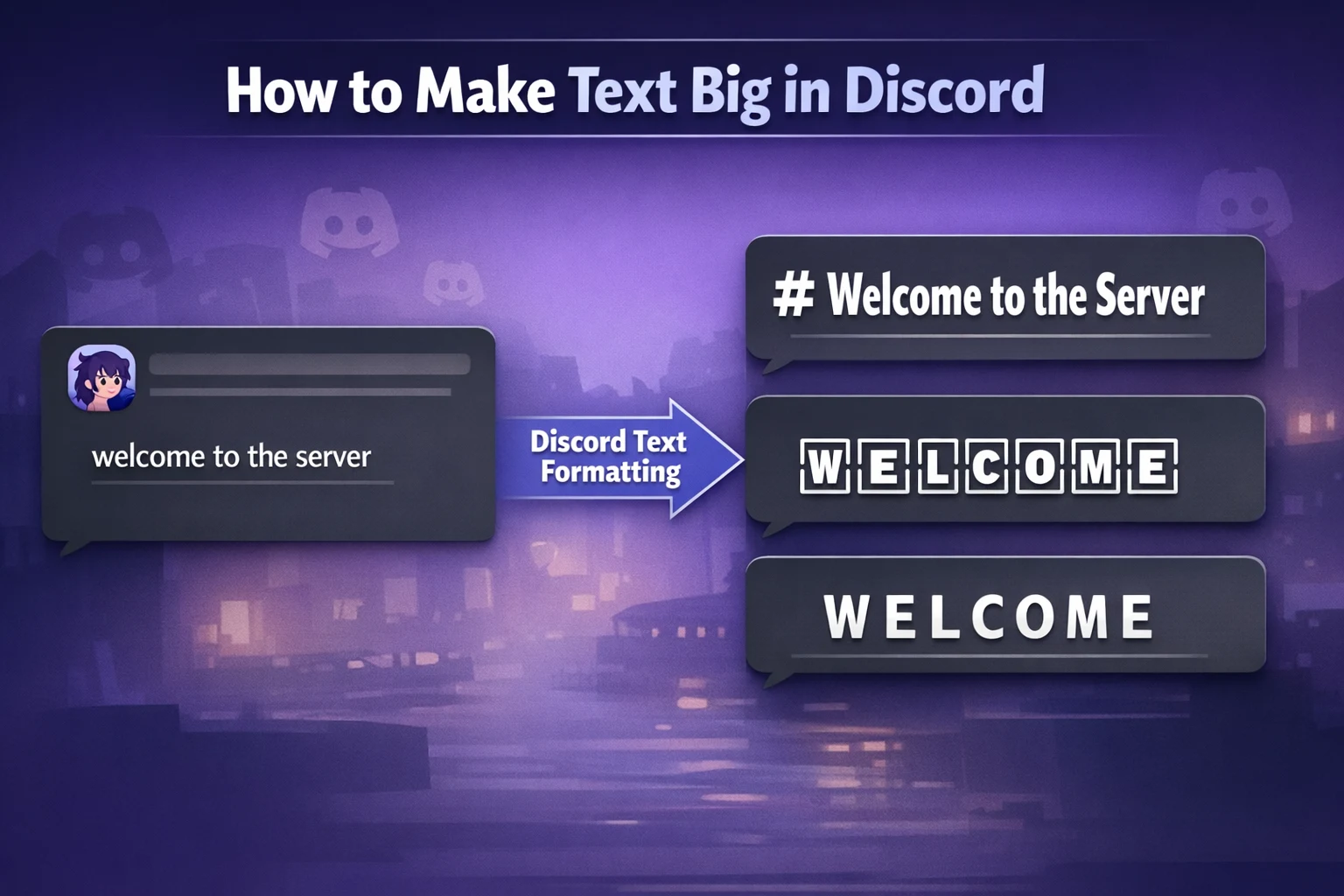
For example, a simple message can be transformed from:
welcome to the server
into stylized text such as:
WELCOME TO THE SERVER
Tools like the Big Text Generator allow users to automatically create these large-style messages. Discord users can also create decorative styles using the Discord Font Generator, which converts plain text into stylized Unicode fonts that stand out in chat.
How to Use Markdown Headings to Create Big Text
Markdown headings provide the easiest method for creating large-looking text inside Discord. Discord interprets heading syntax and renders the message with visual emphasis, making the text appear larger and more noticeable.
Markdown headings use the hash symbol (#) placed before a message.
Example:
# Server Announcement
The result appears as a visually prominent heading inside the chat channel.
Discord supports multiple heading levels.
| Markdown Syntax | Appearance |
|---|---|
# Heading | Largest heading |
## Heading | Medium heading |
### Heading | Smaller heading |
Example message using multiple headings:
# Weekly Tournament
## Registration Opens Now
### Matches Start in 30 Minutes
Server moderators often use heading formatting to organize announcements or event schedules. The formatting separates important messages from standard conversation text.
Because Markdown headings are simple to type and work instantly in chat, they are one of the most common ways to create large text in Discord.
How Unicode Fonts Make Discord Text Appear Larger
Unicode fonts create large-looking Discord text by replacing standard alphabet characters with decorative Unicode alternatives. These characters often contain thicker strokes or wider spacing, which visually increases the size of the text.
The Unicode standard includes thousands of alternative characters that resemble stylized versions of normal letters. These characters function like regular text but appear visually distinct.
Example transformation:
Normal text
discord event tonight
Stylized Unicode text
𝓓𝓲𝓼𝓬𝓸𝓻𝓭 𝓔𝓿𝓮𝓷𝓽 𝓣𝓸𝓷𝓲𝓰𝓱𝓽
Although the font size remains the same, the decorative style makes the message appear larger and more noticeable.
Users commonly generate these styles using a Discord Font Generator. The generator converts plain text into multiple Unicode styles that can be copied and pasted directly into Discord messages.
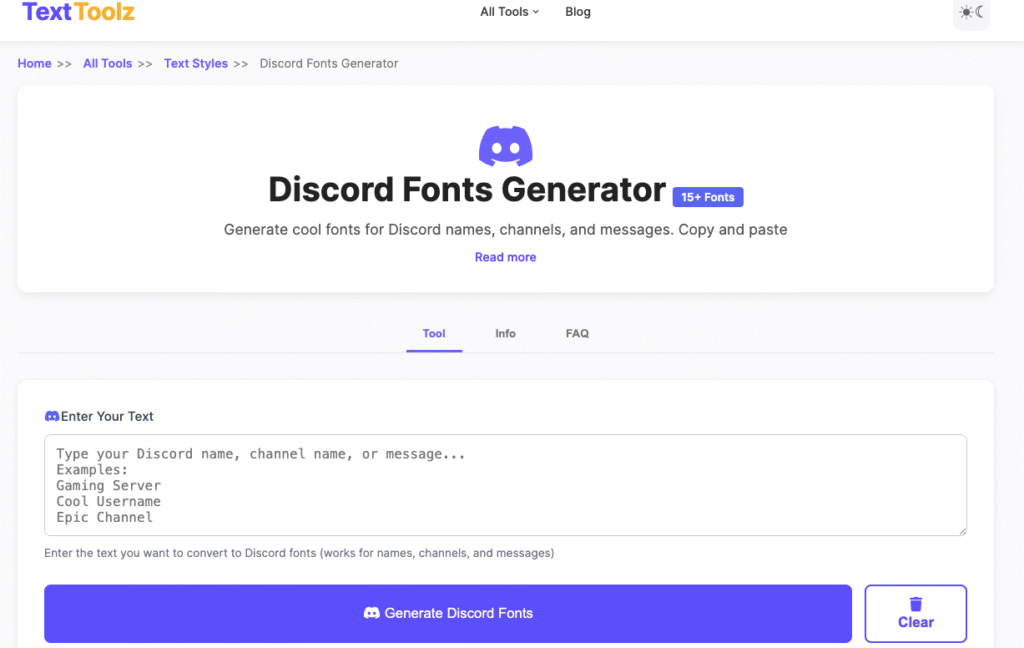
Unicode text styles are widely used for:
- server announcements
- aesthetic messages
- usernames and nicknames
- decorative chat formatting
These stylized fonts work across Discord mobile apps, desktop applications, and web browsers because Unicode characters are supported by most modern operating systems.
How to Create Big Text Using a Big Text Generator
Big text generators convert normal text into visually larger characters using Unicode symbols and stylized alphabets. These tools automate the process of creating large decorative text styles.
Instead of manually searching for Unicode characters, users can simply enter their message into a generator and copy the formatted result.
Example input:
welcome
Generated output:
🆆🅴🅻🅲🅾🅼🅴
Another generated style:
WELCOME
These styles appear visually larger because the characters occupy more visual space than standard letters.
Users can quickly create large-style messages using the Big Text Generator on TextToolz. The tool generates several oversized text variations that can be pasted directly into Discord chats.
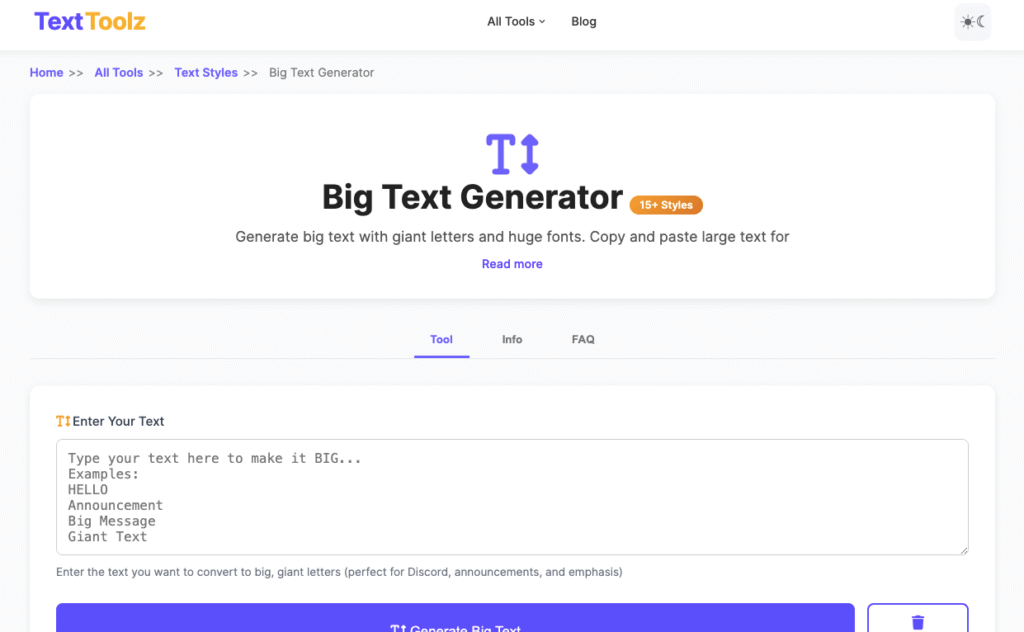
Big text generators are commonly used for:
- welcome messages
- server announcements
- event notifications
- role announcements
Automated generators simplify the process of creating stylized messages and reduce formatting mistakes.
How to Generate Stylish Large Text Using Discord Fonts
Stylized Discord fonts create visually prominent messages by transforming plain text into decorative Unicode characters. These fonts include gothic styles, double-stroke characters, bubble letters, and aesthetic script fonts.
For example:
Normal text
community event tonight
Stylized text
𝕮𝖔𝖒𝖒𝖚𝖓𝖎𝖙𝖞 𝕰𝖛𝖊𝖓𝖙 𝕿𝖔𝖓𝖎𝖌𝖍𝖙
The thicker character strokes make the message visually stronger than standard text.
Users generate these stylized messages through a Discord Font Generator, which converts plain text into multiple Unicode font styles.
Stylized Discord fonts are commonly used for:
- aesthetic chat messages
- stylized usernames
- themed server announcements
- decorative welcome messages
Because Unicode characters function as normal text, users can copy and paste the generated fonts directly into Discord without additional formatting.
ASCII Big Text Examples for Discord Messages
ASCII big text uses combinations of characters such as blocks, lines, and symbols to visually construct oversized letters. Instead of relying on Unicode font substitutions, ASCII text builds large characters using multiple rows of symbols arranged in patterns.
ASCII text has been used in internet communities for decades to create banners, signatures, and decorative messages. Discord supports ASCII characters in chat messages and code blocks, allowing users to display large letter patterns inside channels.
Example ASCII big text:
██╗    ██╗███████╗██╗      ██████╗ ██████╗ ███╗   ███╗███████╗
██║    ██║██╔════╝██║     ██╔════╝██╔═══██╗████╗ ████║██╔════╝
██║ █╗ ██║█████╗  ██║     ██║     ██║   ██║██╔████╔██║█████╗
██║███╗██║██╔══╝  ██║     ██║     ██║   ██║██║╚██╔╝██║██╔══╝
╚███╔███╔╝███████╗███████╗╚██████╗╚██████╔╝██║ ╚═╝ ██║███████╗
 ╚══╝╚══╝ ╚══════╝╚══════╝ ╚═════╝ ╚═════╝ ╚═╝     ╚═╝╚══════╝
This style creates the illusion of very large letters because each character is constructed from multiple rows.
ASCII big text works best when placed inside code blocks using triple backticks so the alignment remains consistent. Without code blocks, Discord may compress spaces and distort the design.
ASCII formatting is commonly used for:
- welcome banners
- server rule headers
- gaming clan announcements
- community event messages
Although visually impressive, ASCII text takes up multiple message lines and should be used sparingly in busy channels.
Big Text vs Bold Text in Discord
Big text formatting and bold formatting serve different purposes inside Discord conversations. Bold formatting emphasizes words inside a sentence, while big text techniques create visually dominant messages that resemble headings or banners.
Bold text uses Markdown syntax with double asterisks.
Example:
**Server event starts now**
Result:
Server event starts now
Bold formatting slightly increases visual emphasis but does not change the apparent size of the text.
Big text formatting, on the other hand, relies on heading syntax, Unicode characters, or ASCII structures.
Example of visually large text:
# Server Event Starting Now
Comparison of formatting methods:
| Formatting Method | Visual Impact | Typical Use |
|---|---|---|
| Bold text | Slight emphasis | Highlight key words |
| Markdown headings | Large emphasis | Announcements |
| Unicode fonts | Decorative emphasis | Stylish messages |
| ASCII text | Very large banners | Server headers |
Understanding the difference helps moderators choose the appropriate formatting method depending on the type of message they want to display.
When to Use Big Text in Discord Servers
Big text formatting is most effective when highlighting important information that users need to notice immediately. Because Discord conversations can move quickly, visually distinct messages help critical information remain visible.
Large text formatting is commonly used for:
Server Announcements
Moderators often use headings or Unicode text styles to introduce announcements.
Example:
# New Tournament Begins Tonight
Event Reminders
Large text styles can emphasize time-sensitive events.
Example:
🆆🅴🅴🅺🅻🆈 🅶🅰🅼🅴 🅽🅸🅶🅷🆃
Welcome Messages
Servers sometimes greet new members using stylized big text messages.
Example:
WELCOME TO THE COMMUNITY
Rule Highlights
Important server rules can be formatted using headings to make them easier to notice.
Example:
# Read the Rules Before Posting
Using large text strategically helps maintain clarity and improves message visibility inside busy chat channels.
Best Big Text Styles for Discord Announcements
Different text styles work better for different types of announcements. Moderators often combine multiple formatting techniques to create visually organized messages.
Common announcement styles include:
Markdown Heading Style
# Server Maintenance Starting Now
This format creates a clear headline that separates the announcement from other messages.
Limitations of Big Text in Discord
Although Discord allows multiple formatting techniques, several limitations affect how big text appears.
Fixed Font Size
Discord does not allow users to increase the actual font size of messages. All formatting techniques create visual emphasis rather than true font enlargement.
Device Rendering Differences
Unicode fonts may appear slightly different depending on the device operating system. Some stylized characters may display differently on mobile devices compared to desktop apps.
Message Length Constraints
ASCII banners require multiple lines, which may clutter chat channels if used frequently.
Moderation Rules
Some Discord communities restrict excessive formatting or decorative text to maintain readability.
Understanding these limitations helps users choose appropriate formatting methods for different situations.
Common Mistakes When Formatting Big Discord Text
Several formatting mistakes can reduce readability or disrupt chat conversations.
Overusing Unicode Characters
Messages containing too many stylized characters can become difficult to read.
Example:
𝕋𝕙𝕚𝕤 𝕞𝕖𝕤𝕤𝕒𝕘𝕖 𝕚𝕤 𝕙𝕒𝕣𝕕 𝕥𝕠 𝕣𝕖𝕒𝕕
Using decorative fonts for entire paragraphs can make messages visually cluttered.
Unclear Announcement Structure
Announcements without spacing or formatting may be overlooked by users.
Example of improved formatting:
# Community Event TonightStart Time: 8 PM
Game Mode: Team Battle
Join Voice Channel to Participate
Clear formatting improves readability while maintaining visual emphasis.
Big text formatting works best when used strategically for important messages rather than everyday conversation.
Conclusion
Making text appear big in Discord involves using formatting techniques that visually emphasize messages rather than changing the actual font size. Discord maintains a fixed typography system to ensure consistent readability across devices, so users rely on Markdown headings, Unicode fonts, and ASCII text patterns to create larger-looking messages.